// MIRRORMAP v1.0

Nav for your
Pebble.

Free to install. $3 a month to route.
Built for the revival.

Live in test mode · launching soon
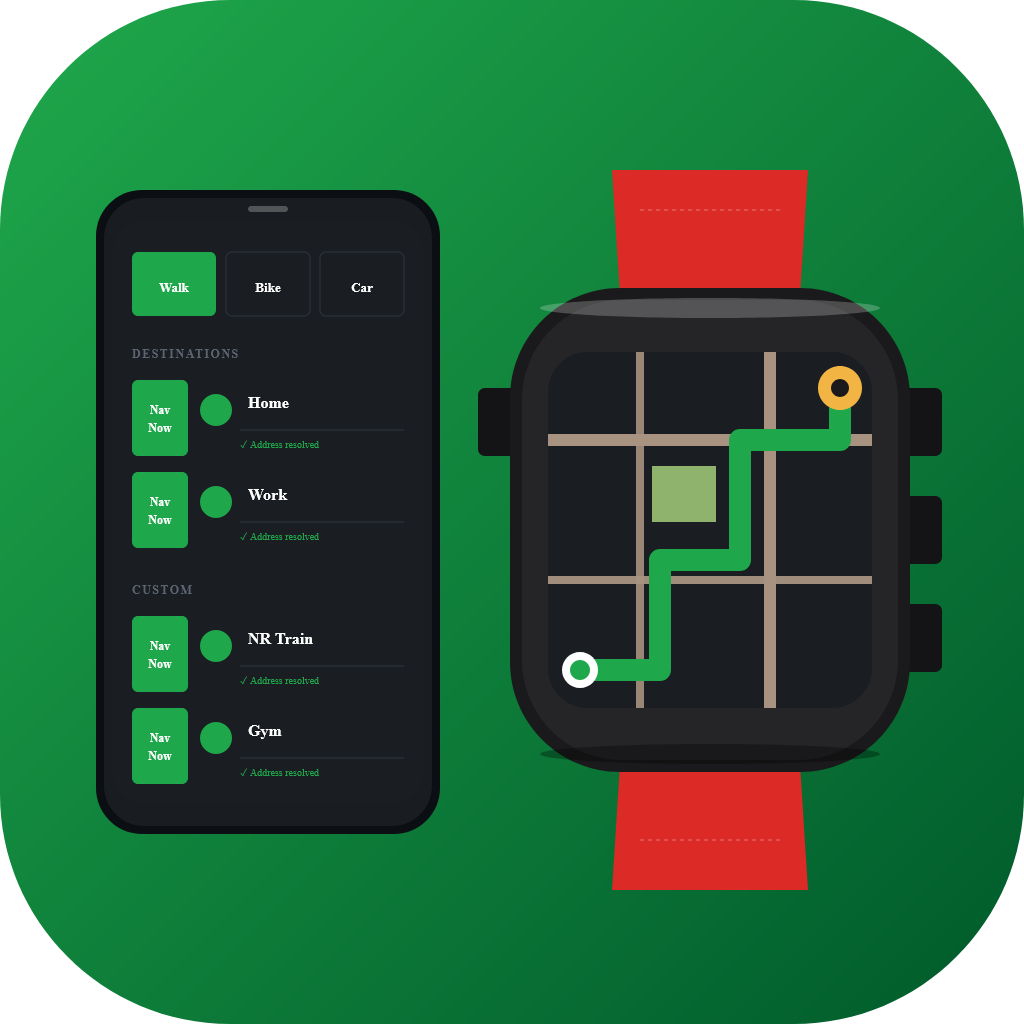
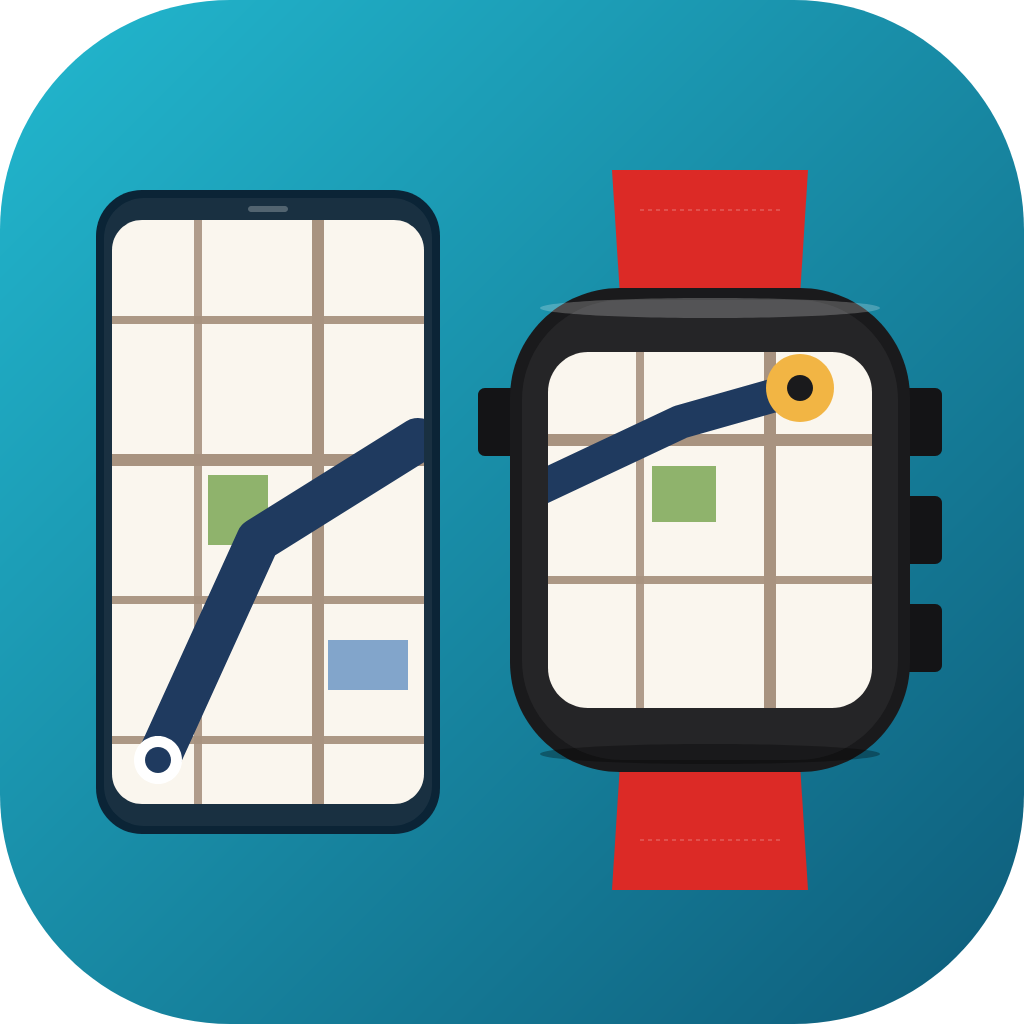
MirrorMap Routes icon — illustration of a Pebble watch showing a route polyline alongside a phone showing the destination list MirrorMap Dash icon — illustration of a phone and Pebble watch showing matching maps
// THE PITCH

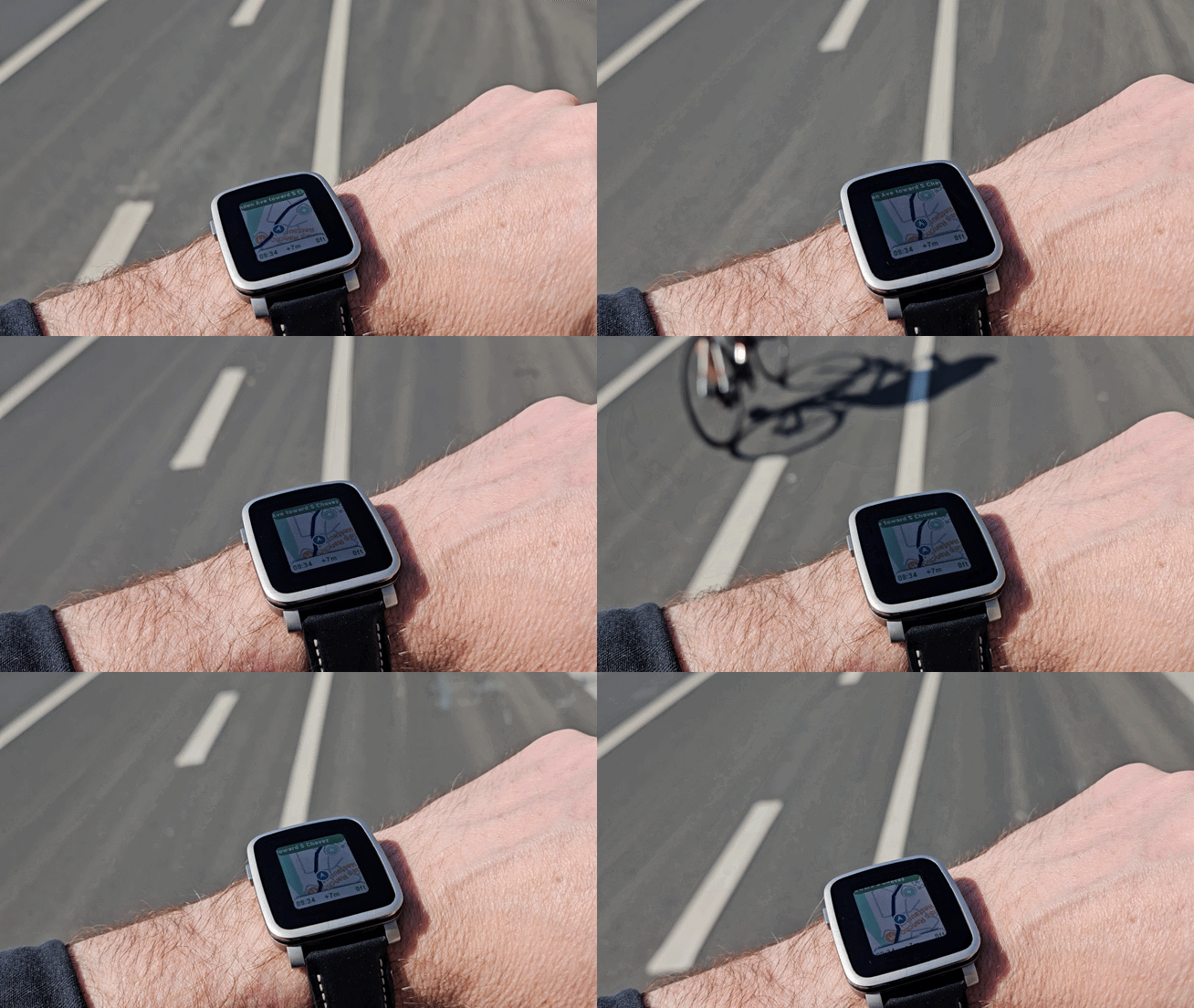
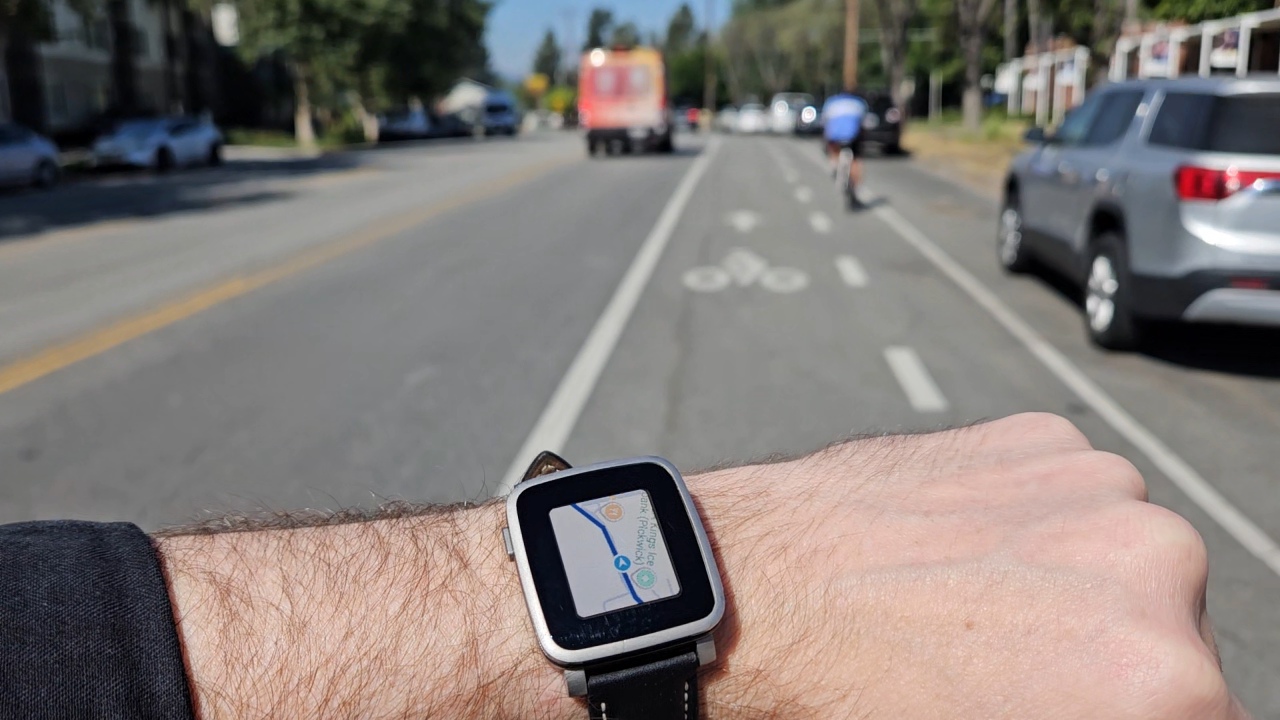
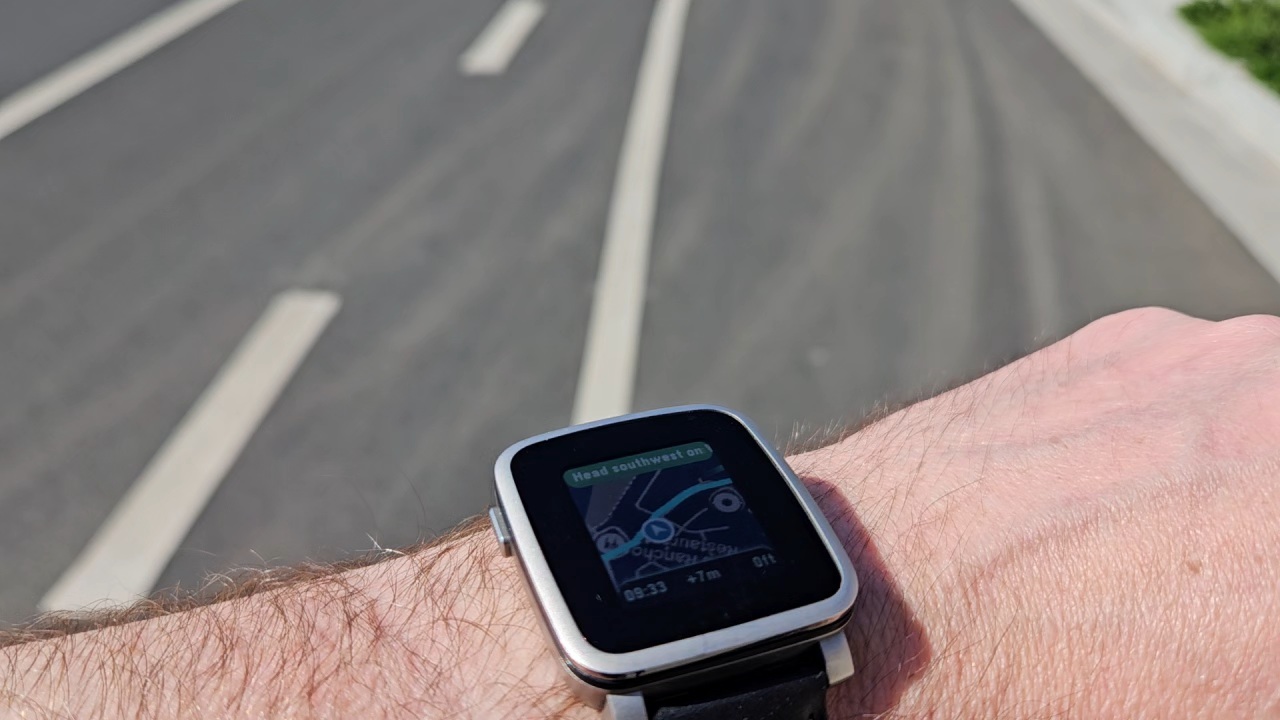
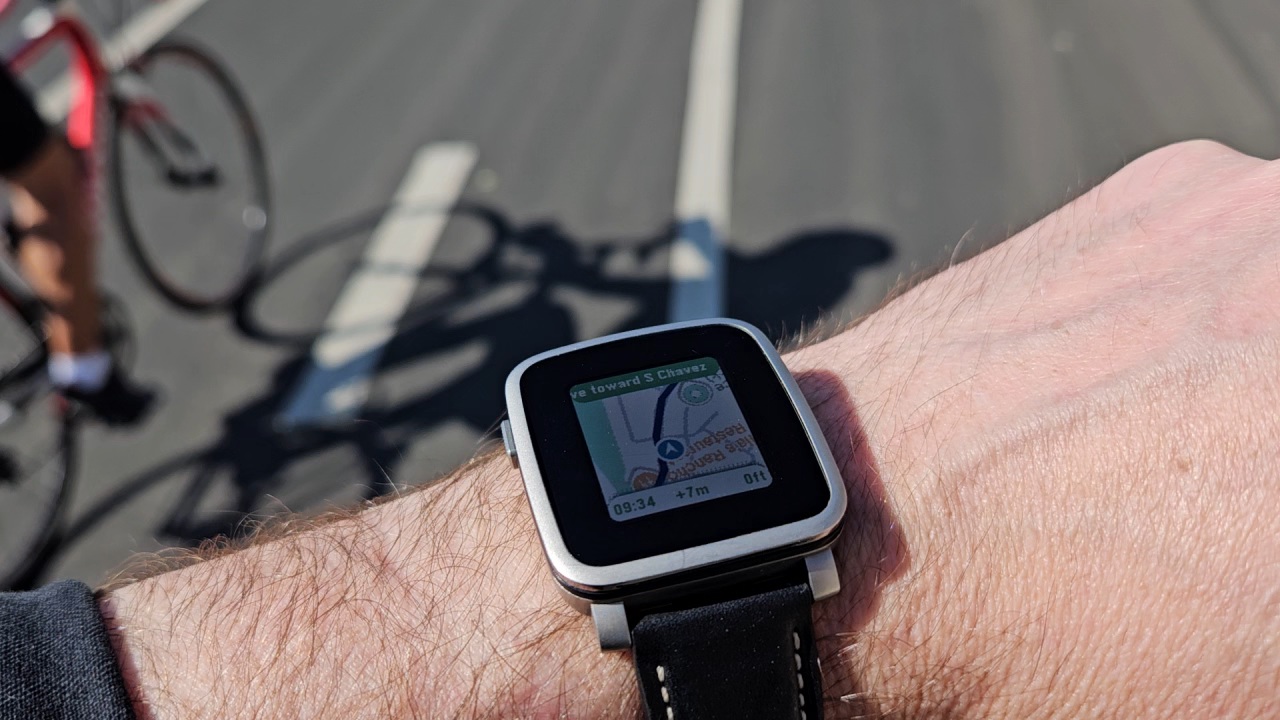
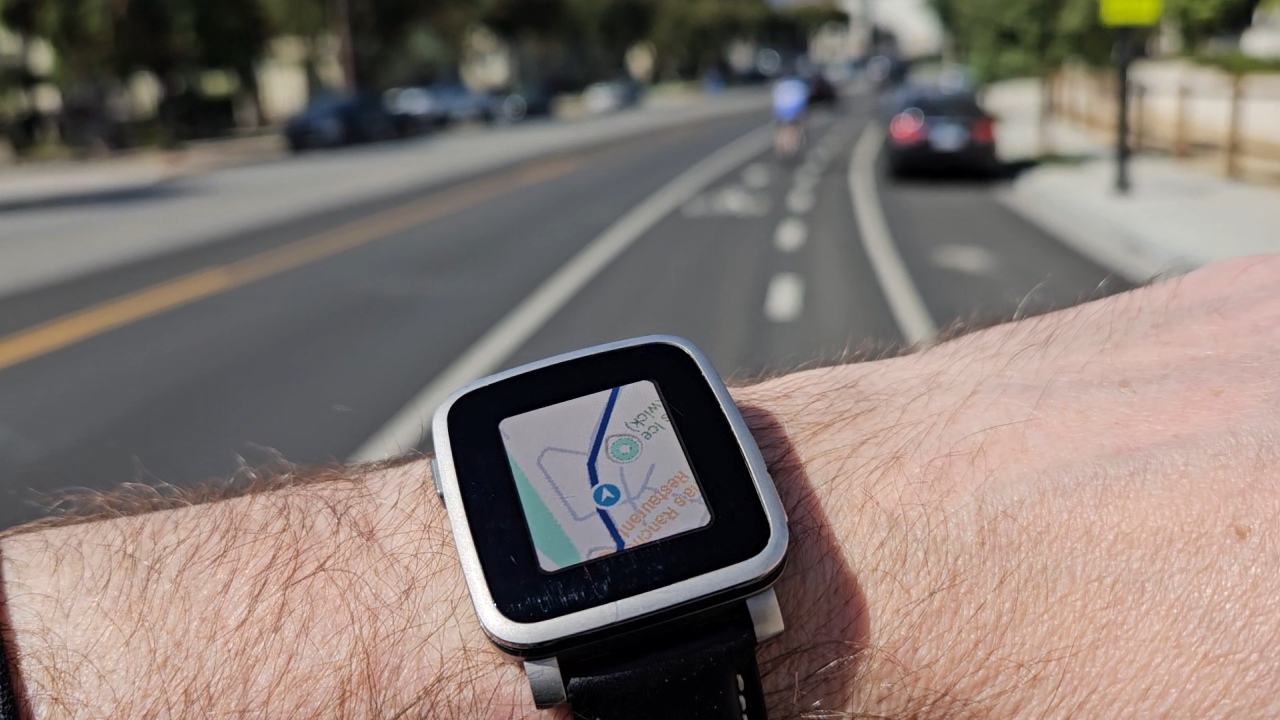
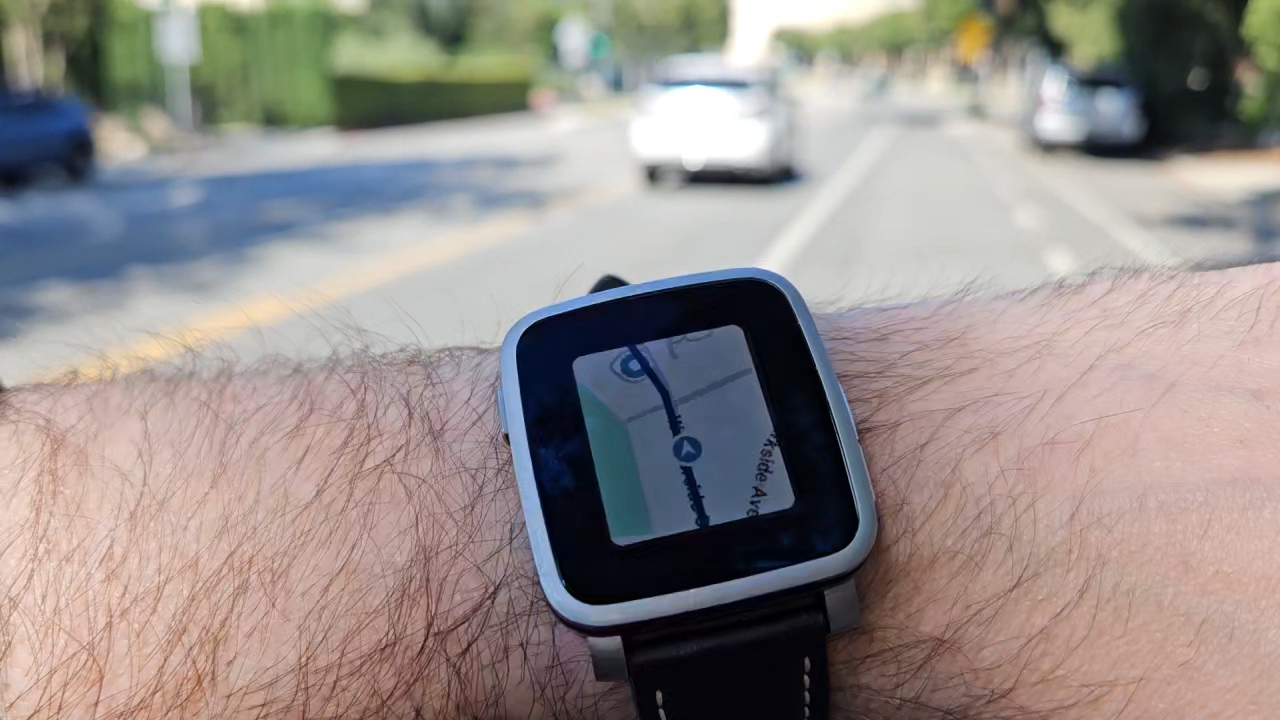
MirrorMap puts turn-by-turn navigation on your Pebble. The watchapp is free on the Pebble appstore. No code? You still get worldwide maps, your GPS position, pan and zoom — a real map app on your wrist.

Drop in a code from Routes or Dash and it becomes a navigator: route polylines, ETAs, off-route recompute, address search. The kind of thing your wrist couldn’t do in 2015.

// PRICING

Three ways to use it.

The watchapp is free. Routing costs money to run, so it’s paid. Pick your channel.

Free $0
The map app
  • Install free from Pebble appstore
  • Worldwide maps + your GPS position
  • Pan and zoom on your wrist
  • No turn-by-turn routing
  • No address search
Get the watchapp
Install free from the Pebble or Rebble appstore. Works on iOS or Android.
Routes $3/mo
Standalone routing
  • Everything in Free, plus:
  • Turn-by-turn navigation
  • Address search and saved destinations
  • Off-route recompute
  • Walk, bike, drive modes
  • Works on iOS or Android
Subscribe — $3/mo
Code arrives by email after checkout. Paste it into the watchapp. Cancel anytime.
Dash $5/mo
Your phone, mirrored to your wrist
  • Everything in Routes, plus:
  • Companion app for Android
  • Share a destination from your phone
  • Watch mirrors the route in real time
  • Live turn cues straight from the phone
  • Android only — use Routes on iOS
Coming soon
Dash is the “Mirror” in MirrorMap. Launching on the Play Store. Routes covers you on iOS or if you’d rather skip the companion app.

Prices in USD. Taxes added at checkout where applicable.

// HOW IT WORKS

Three parts, one route.

01

Install the watchapp

Grab MirrorMap free from the Pebble or Rebble appstore. The watchapp itself doesn’t cost anything — maps and GPS work out of the box.

02

Subscribe to a tier

Pay $3/mo for Routes here, or $5/mo for Dash from the Play Store. Your code arrives by email (Routes) or inside the Dash app.

03

Paste & route

Drop the code into the MirrorMap settings on your phone’s Pebble app. Routing activates immediately. Cancel anytime, nothing on the watch breaks.

// ON THE ROADMAP

What’s coming up.

  • Native layouts for Pebble Time 2 and Pebble Round 2
  • Touch-screen support for the 2026 Pebble lineup
  • Audio cues during navigation
  • Search for destinations directly from the watch

Your subscription is what funds the work to make these real. More coming as the revival evolves.

// FAQ

Questions you probably have.

Which Pebble watches does this work on?
Built for Pebble Time and Pebble Time Steel — those work natively. Pebble Time 2 installs in compatibility mode for now; native support is in active development. The new Pebble Round 2 is on the roadmap as well. The original Pebble Time Round isn’t supported — the UI doesn’t fit those round screens. Older monochrome Pebbles aren’t planned. Want a Pebble we haven’t covered? hello@mirrormap.app.
Why is it paid? Other Pebble apps are free.
Routing isn’t free for us — there’s a real per-request cost behind every route and address lookup. Beyond covering that, your subscription is what keeps MirrorMap getting better over time: new features, compatibility with new Pebble hardware as it ships, bug fixes, and making sure the app keeps working as Android, iOS, and Pebble OS evolve over the years.
What’s the difference between Routes and Dash?
Routes does navigation on the watch itself — pick a destination on the watch, route appears, you go. Works on iOS and Android.

Dash is where MirrorMap gets its name. Share a destination from your phone to the Dash app, start navigating, and the watch mirrors the route in real time. Same destination, same turns, on your wrist — like sharing a destination to your car’s built-in nav, but it’s your watch. Android only.
Will it eat my watch battery?
Pebble is famously battery-friendly and we kept it that way. Nav uses the GPS in your phone, not the watch — the watch just draws the polyline. You’ll lose maybe a day of standby on a heavy nav day.
Can I cancel?
Anytime, from the link in any MirrorMap email. Your code stays active through the end of the billing period, then deactivates. The watchapp itself keeps working as a free map app forever.
// READY?

Nav on your wrist, $3 a month.

Subscribe to MirrorMap Routes